
Download LibreOffice Portable – office suite, word processor, spreadsheet, presentation, database, vector graphics, math editor, portable, free, tool, utility, productivity, smartphone, Android, iOS
Overview
LibreOffice Portable is a versatile adaptation of the widely recognized office suite, LibreOffice, specifically tailored for use on portable devices. Designed to meet the demands of users who need full-featured productivity tools while on the move, this version enables seamless document creation, editing, and management without requiring installation. The app serves as a comprehensive solution for individuals who rely on word processing, spreadsheet analysis, presentation design, database management, and vector graphics creation across multiple environments. It is particularly suited for professionals, students, remote workers, and digital nomads who require consistent access to powerful tools across different systems, including public computers or shared devices.
As a free and open-source software, LibreOffice Portable is developed and maintained by The Document Foundation, a nonprofit organization committed to advancing free and accessible digital tools. The application supports a wide array of file formats, ensuring compatibility with documents created in Microsoft Office, Google Docs, and other popular platforms. This cross-platform flexibility makes it a valuable asset in both personal and professional workflows. Its portability allows users to carry their entire office environment on a USB drive or external storage, enabling immediate access to their work regardless of the host system. This feature is especially beneficial in settings where software installation is restricted or where users frequently switch between devices.
Key Features & Functionality
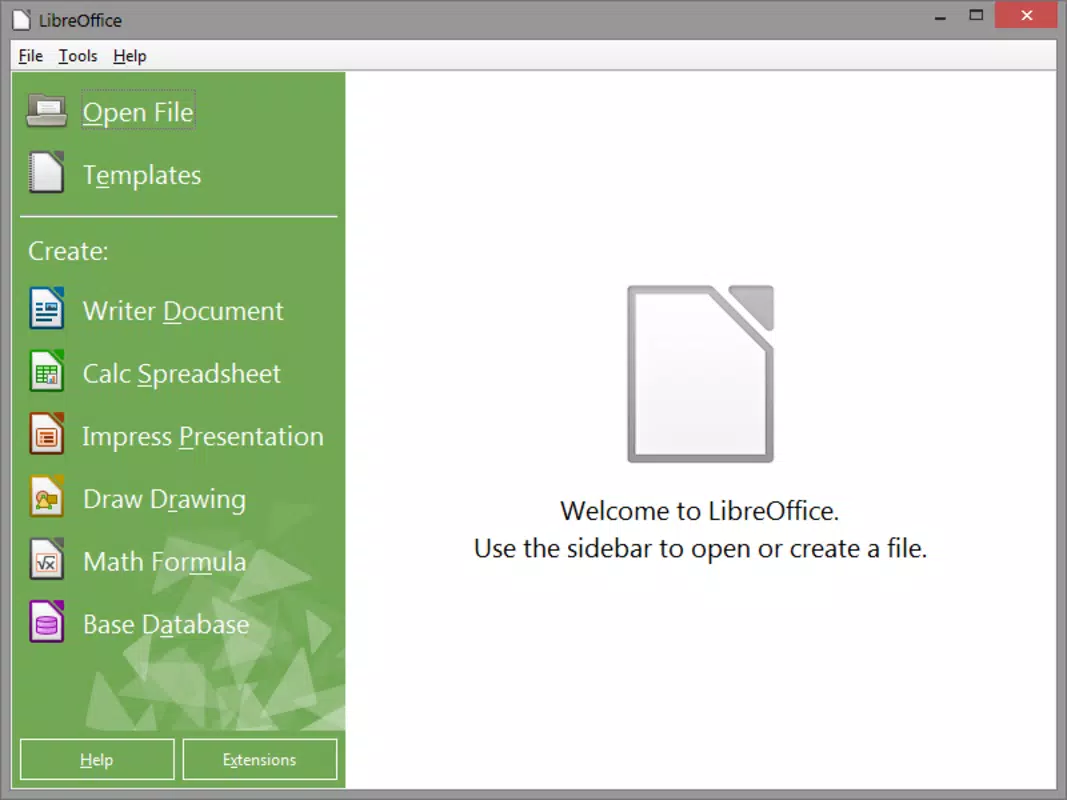
- Writer: A feature-rich word processor that supports advanced formatting, document encryption, digital signatures, embedded images, tables, and charts. Ideal for drafting reports, academic papers, and official correspondence.
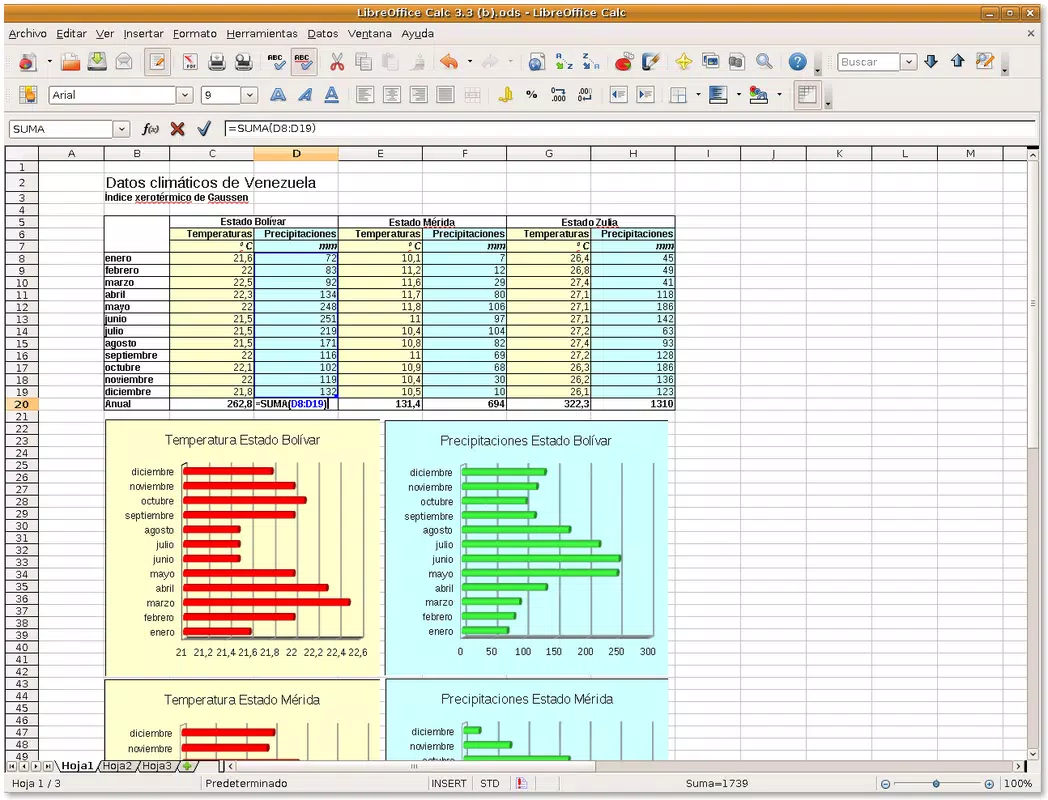
- Calc: A robust spreadsheet tool capable of handling complex calculations, data visualization, and importing/exporting files in both ODS and Excel formats. Suitable for budgeting, financial modeling, and data analysis.
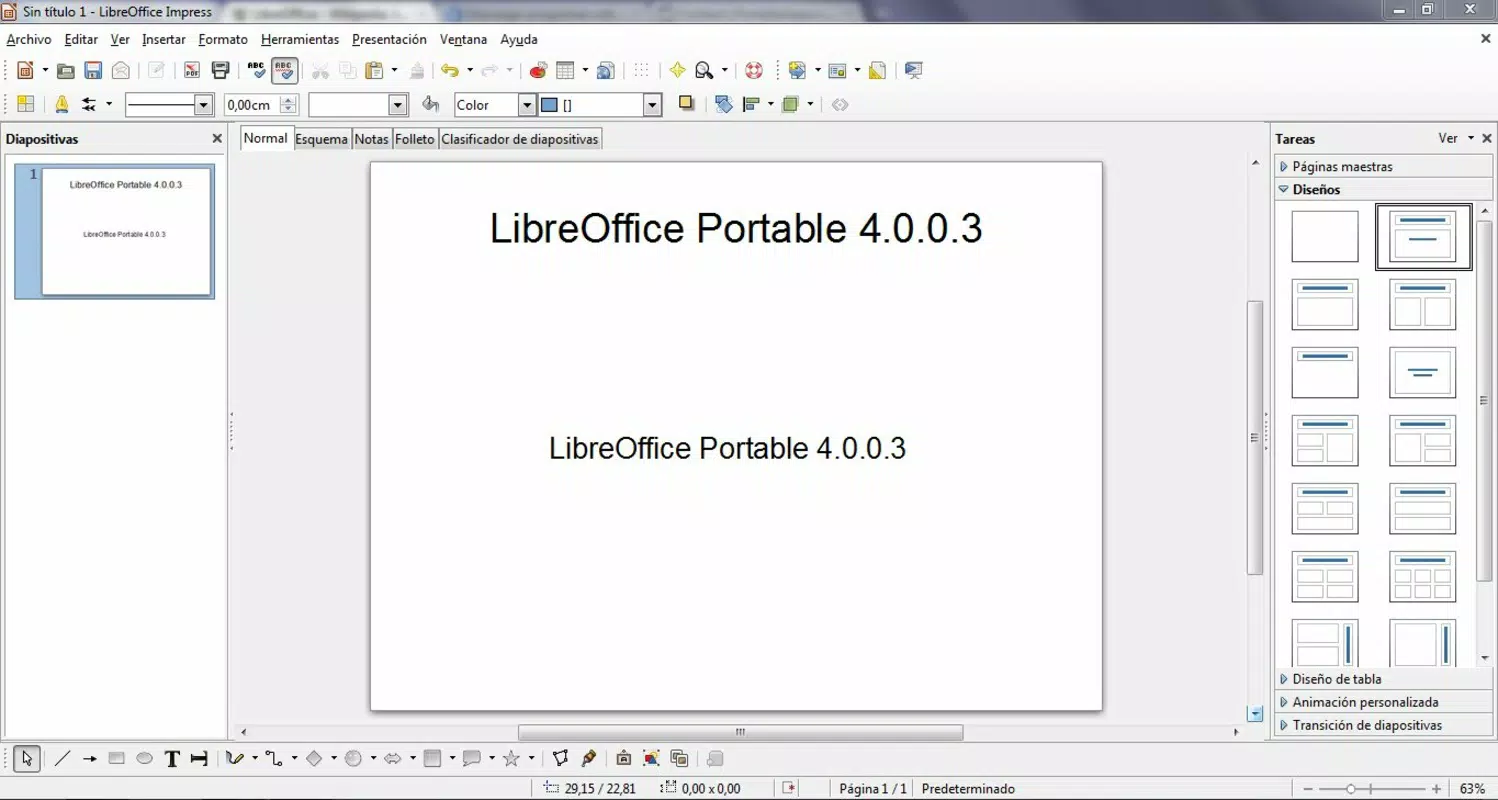
- Impress: A dynamic presentation manager that allows users to create, edit, and deliver professional slideshows. Supports PPT and ODP formats, enabling compatibility with Microsoft PowerPoint and open-standard presentations.
- Base: A comprehensive database management system that integrates with ODBC, MySQL, PostgreSQL, and Microsoft Access (JET). Enables users to build forms, queries, and reports directly from portable storage.
- Draw: A vector graphics editor for creating diagrams, flowcharts, technical drawings, and layout designs. Offers tools similar to Visio and Publisher, making it ideal for visual communication and design tasks.
- Math: An intuitive formula editor that allows users to create and embed mathematical expressions into documents. Supports LaTeX-like syntax and integrates seamlessly with other LibreOffice components.
- Format Compatibility: Full support for importing and exporting to PDF, HTML, plain text, Office Open XML, OpenOffice.org XML, Microsoft Works, and WordPerfect formats. Direct export to SWF is also available.
These features collectively empower users to handle complex office workflows without relying on proprietary software. For example, a student can draft a research paper in Writer, analyze survey data in Calc, and present findings in Impress—all from a single portable drive. A freelance designer might use Draw to create client-ready diagrams and Math to embed equations in technical documentation. The app’s ability to function independently of the host system ensures consistent performance across diverse computing environments.
Interface, UX & Performance
The user interface of LibreOffice Portable is clean, intuitive, and consistent with the desktop version of LibreOffice. The layout features a ribbon-style toolbar, contextual menus, and customizable workspaces, allowing users to access tools quickly and efficiently. Navigation is straightforward, with clearly labeled tabs and a logical organization of functions. The visual design prioritizes usability over aesthetics, focusing on functionality and accessibility for users of all experience levels.
Although the developer did not list formal performance metrics, the application demonstrates responsive behavior across various device categories. Users can expect smooth operation during document editing, formula calculations, and presentation rendering. Stability is maintained even when handling large files or multiple open documents, suggesting efficient memory management. The app’s portability does not compromise its performance, as it runs directly from the storage device without requiring system-level changes or background processes.
Responsiveness is consistent across different screen sizes and resolutions, making it adaptable to laptops, tablets, and desktops. The interface scales appropriately, and text remains legible without requiring excessive zooming. While the app is not optimized for touch-first interaction, it remains usable on touchscreen devices with standard input methods. Overall, the user experience is professional, reliable, and focused on productivity, aligning with the expectations of users who demand performance and consistency.
Platform Compatibility & Technical Requirements
LibreOffice Portable is designed for the Windows platform and requires a compatible Windows operating system. The current version, released on February 20, 2024, is available as a portable package with a file size of 356.5 MB. This compact footprint allows for easy storage on USB drives, external hard drives, or cloud-synced folders. The app does not require installation, meaning it can be launched directly from the storage device without modifying the host system.
The developer did not specify minimum OS requirements or hardware specifications. However, given its lightweight nature and reliance on standard Windows components, it is expected to run on most modern Windows systems, including Windows 7 and later versions. Users should ensure that their device has sufficient RAM and disk space to handle large documents and multiple applications simultaneously. Compatibility with older or less powerful systems may vary, but the absence of installation requirements reduces potential conflicts with system configurations.
Pros and Cons
Pros
- Free to download and use, with no licensing fees or subscription models.
- Portable nature allows full functionality without installation on any Windows device.
- Supports a wide range of file formats, ensuring compatibility with Microsoft Office and other office suites.
- Includes six core applications: Writer, Calc, Impress, Base, Draw, and Math for comprehensive productivity.
- Open-source and developed by a reputable nonprofit organization, ensuring transparency and security.
- Runs directly from USB or external storage, ideal for shared or restricted computing environments.
Cons
- Currently only available for Windows; no official support for Android, iOS, or macOS.
- Interface is not optimized for touchscreens or mobile devices.
- Does not include cloud integration or real-time collaboration features.
- Advanced features may have a learning curve for users unfamiliar with desktop office suites.
- The developer did not provide detailed system requirements or performance benchmarks.
FAQ
Is LibreOffice Portable safe to use?
Yes, LibreOffice Portable is developed by The Document Foundation and distributed as open-source software. It does not contain malware or unwanted tracking components. Users should always download the app from official sources to ensure security.
Can I use LibreOffice Portable on Android or iOS?
As of now, LibreOffice Portable is only available for Windows. There is no official version for Android or iOS. However, alternative mobile versions of LibreOffice exist for these platforms, though they are not portable in the same sense.
Does LibreOffice Portable require installation?
No, LibreOffice Portable is designed to run without installation. It can be launched directly from a USB drive or external storage device, making it ideal for use on public or shared computers.
Can I edit Microsoft Word, Excel, or PowerPoint files?
Yes, LibreOffice Portable supports opening, editing, and saving files in Microsoft Office formats, including .docx, .xlsx, and .pptx, as well as their older counterparts. It also supports ODF and other open formats.
How often is LibreOffice Portable updated?
The software is updated regularly by The Document Foundation. The latest version, released on February 20, 2024, includes bug fixes and feature improvements. Users are encouraged to check for updates periodically to ensure optimal performance and security.
Final Thoughts
LibreOffice Portable stands out as a powerful, free, and portable office suite that delivers desktop-grade functionality without the need for installation. It is an ideal choice for professionals, students, and remote workers who demand flexibility and independence from their computing environment. Its ability to run from a USB drive while maintaining full compatibility with industry-standard file formats makes it a reliable tool for on-the-go productivity.
While it lacks mobile support and cloud collaboration, its robust feature set and open-source foundation provide a compelling alternative to proprietary software. For users seeking a secure, lightweight, and versatile tool for word processing, spreadsheets, presentations, and more, LibreOffice Portable offers unmatched value.
Download LibreOffice Portable now


